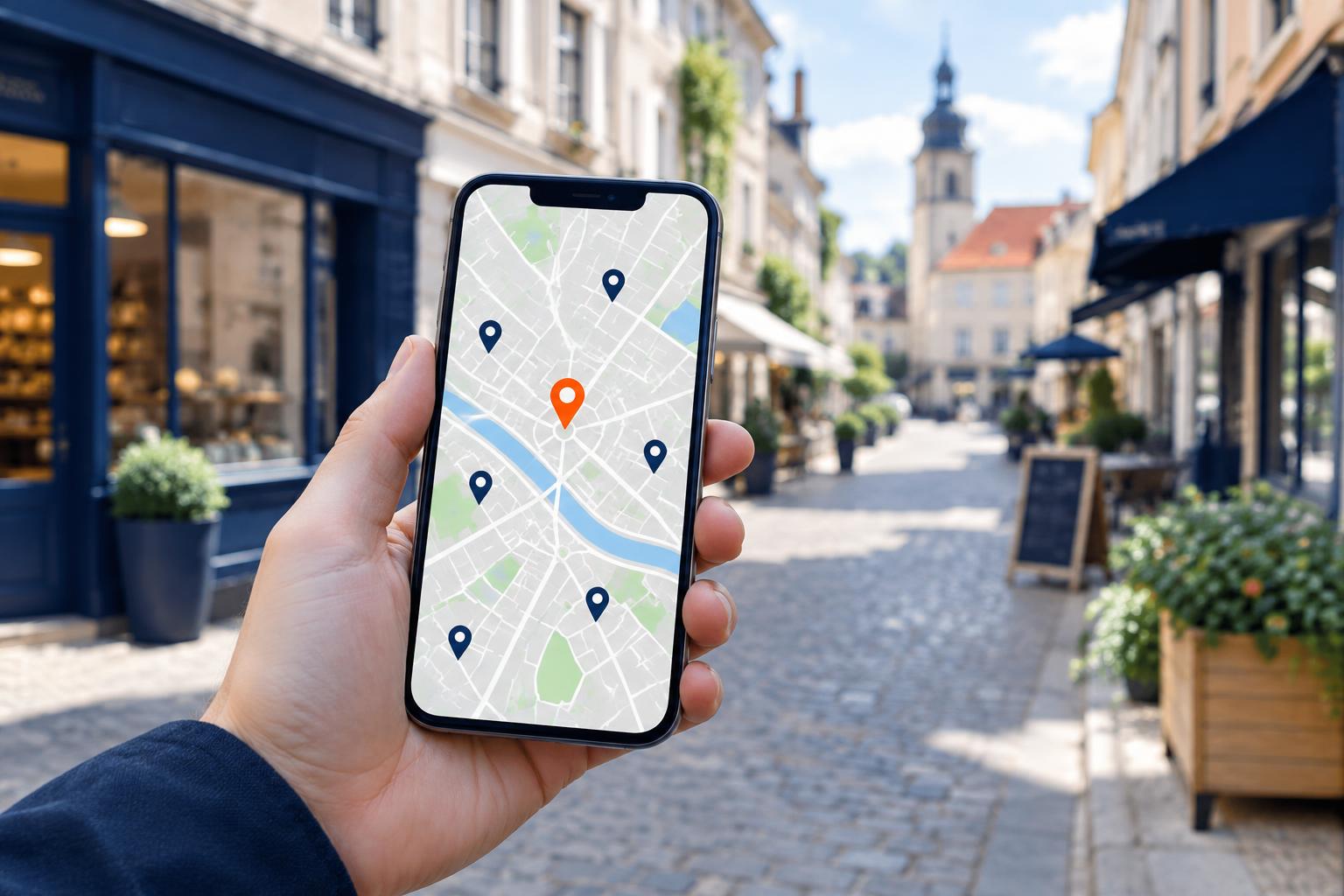
A customer needs a dentist, a physio or a mechanic. They type the service and their town into their phone, and Google shows a map with three businesses and a few websites below it. If you are not there, they ring your competitor. Local SEO is the work that helps Google link your business to a specific town and neighbourhood, then show it to people searching nearby.
Below we go step by step through what really affects local results: your Google Business Profile, service pages, structured data, reviews and measurement. You can do each step yourself or outsource it. The order puts the cheapest, fastest wins first.
How Google chooses businesses for local results
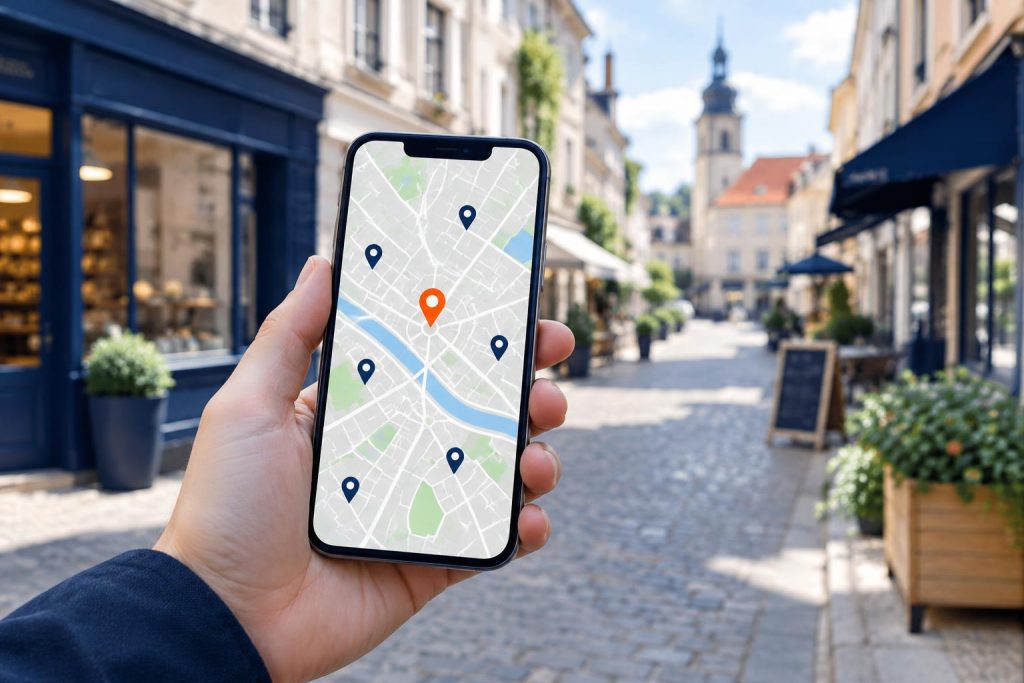
Google explains this openly. Local results depend mainly on three factors: relevance, distance and prominence (source: Google Business Profile Help). The same page says you cannot pay or ask for a higher local ranking.
| Factor | What it means | What you can influence |
|---|---|---|
| Relevance | How well your profile and website match the search term | Profile categories, service descriptions, service pages that mention your town |
| Distance | How far the business is from the searcher or from the location named in the search | A real address or a carefully set service area |
| Prominence | How well known the business is, online as well as offline | Reviews, links from other websites, mentions, profile activity |
You control distance least, because you cannot move your practice closer to every customer. So the work goes into relevance and prominence. Google says plainly that prominence depends partly on the links pointing to your business and on the number and rating of your reviews.
Your Google Business Profile and consistent business details
Step 1. Complete and verify your Google listing
Your Google listing, officially a Google Business Profile, is the first thing a customer sees on the results map. Without a verified profile, you have almost no chance of appearing there. Create one at business.google.com and complete the verification Google offers.
Then fill in every relevant field:
- Primary category as precise as possible, for example “Dentist” rather than “Medical services”. Add extra categories only for services you really offer.
- Opening hours, including bank holiday hours. A customer who finds a locked door leaves a bad review.
- Services and description in your customers’ language, with the town name where it fits.
- Website link to the right page, not always the home page.
- Service area, if you travel to customers rather than seeing them at your address.
Do not stuff keywords into your business name, such as “Dentist Częstochowa Cheap”. Google requires the name you use day to day, and this trick can get your profile suspended.
Step 2. Keep your NAP consistent across the web
NAP stands for Name, Address, Phone. Google compares these details across your Business Profile, your website and business directories. When they match everywhere, Google more readily accepts that they belong to one real business.
The most common mismatches we see with clients:
- an old phone number in a directory from before a move,
- “5 Example Street” in one place and “Unit 2, 5 Example Avenue” in another,
- the company name with “Ltd” (or its Polish equivalent) in one place and without it in another,
- a footer address saved as an image, which Google cannot read.
Write one master version of your details and paste it everywhere: website footer, contact page, social profiles and industry directories. Every six months, check nothing has drifted.
A website that answers local searches
Step 3. Service pages that name your town
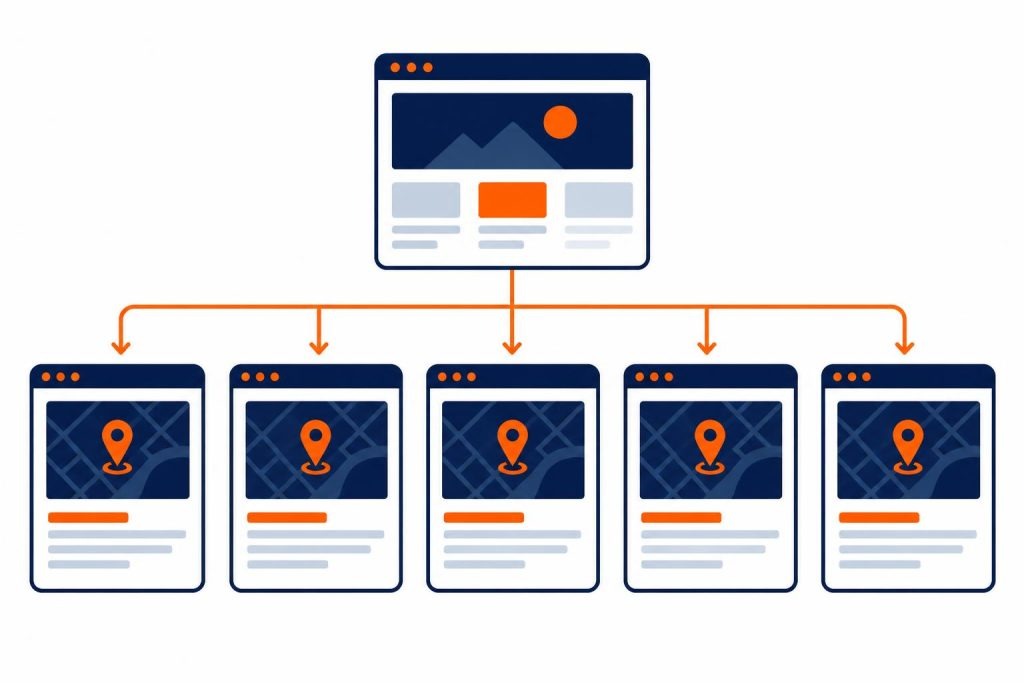
Your Business Profile is one page. Your website can have many, each answering a different search. One person searches for “dental implants Częstochowa”, another for “teeth whitening Częstochowa”. With a separate page for each key service, Google has something to show for each search.
A good service page includes:
- a title and heading with the service and the town, for example “Teeth whitening in Częstochowa”,
- how the service works step by step, how long it takes and who it suits,
- answers to the questions customers ask over the phone,
- a price range, or what the price depends on,
- directions, parking and nearby landmarks,
- a clear button to call or book.
Avoid copying the same text and swapping the town name. Ten near-identical pages like “Plumber Kłobuck”, “Plumber Myszków” and so on rarely work. If you serve several towns, write something specific for each: jobs done in the area, travel times, local conditions.
It works the same in every industry. When someone types “websites Częstochowa”, Google looks for a page that describes the service and clearly ties it to the town. A well-planned page structure is usually the first thing we settle when designing a website for a service business.
Step 4. LocalBusiness schema: details for the crawler
Structured data is code that describes your business in a format search engines understand. In its LocalBusiness documentation, Google lists two required properties: name and address. Recommended ones include phone, URL, coordinates, opening hours and price range.
A few practical rules:
- Choose the most specific business type. Google recommends a subtype over the generic LocalBusiness, and schema.org has separate types for, say, a dental practice (Dentist) or a garage (AutoRepair).
- The code must match the NAP on your website and Business Profile exactly.
- Put the markup on your contact or home page, or on each location’s page if you have several.
- Check the code in Google’s Rich Results Test before you publish.
On WordPress, SEO plugins add some of this data, often in generic form. Check what actually ends up in the code and fill in missing fields by hand.
Google reviews and photos: proof people can trust
Step 5. Collect reviews and reply to them
Google reviews work on two fronts. They affect how prominent you look to the algorithm, and they decide whether a customer picks you or the business next to you on the map. Google says more positive reviews will probably improve your local ranking.
How to collect reviews fairly:
- Ask straight after the job, while the customer is happy.
- Send a direct review link by text or email. You will find it in your Business Profile dashboard.
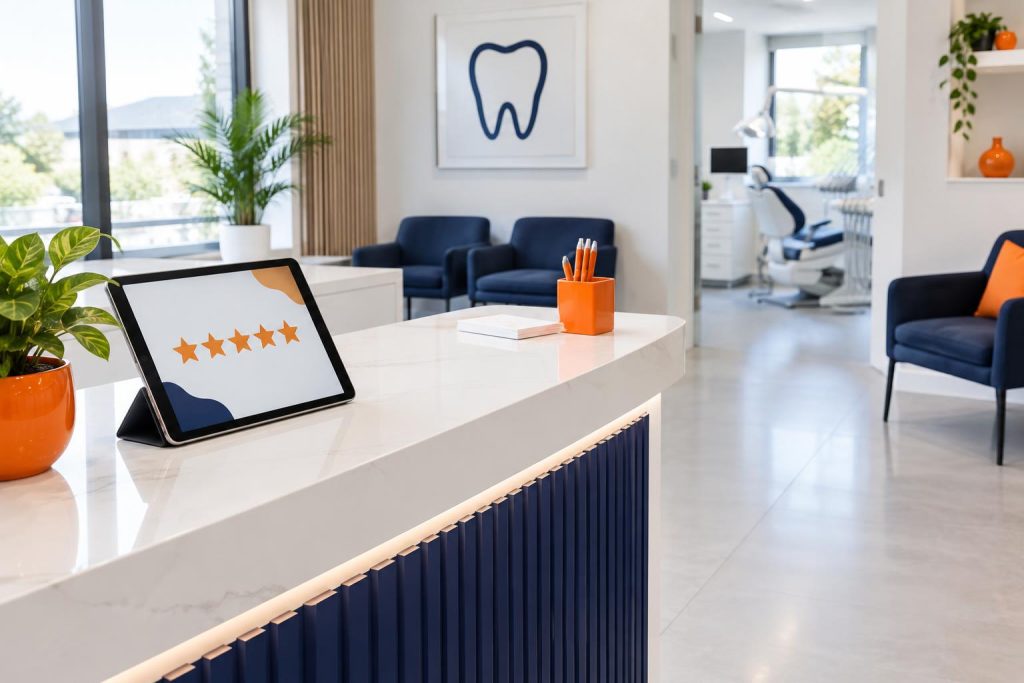
- Put a card with a review QR code at reception.
- Do not offer discounts for reviews or ask only happy customers. Both break Google’s rules.
Reply to every review, five-star ones included. Thank people specifically, refer to the service and mention its name where it fits. Answer criticism calmly and factually, and offer to talk offline. The next customer reads your reply more closely than the complaint.
Show good reviews on your website too. On the site we built for the Smile Design dental practice with local SEO in mind, patients’ Google reviews appear right on the pages, next to content written for local searches. A patient landing on a treatment page sees at once what others say about the practice.
Fun fact. According to Google’s data, mobile searches containing the phrase “near me” in the US grew by 136% year on year in March 2016. Google took this as a strong sign that people look for services and products quickly and close to home, within a short trip (source: Think with Google).
Step 6. Add photos that build trust
Customers choose with their eyes too. Profile photos show whether the premises are clean, where the entrance is and what the team looks like. An empty profile or a lone logo puts people off.
- Add a street view of your entrance so customers find you easily.
- Show the interior, the equipment and where you work.
- Post photos of finished work if your industry allows it and the customer consents.
- Add photos regularly, say monthly, rather than all on one day.
On your website, use the same real photos instead of stock. Compress them and add descriptive alt text, such as “treatment room in Częstochowa”.
Local links, speed and the mobile version
Step 7. Earn local links and mentions
Links from other websites are one of Google’s prominence signals. In local SEO, links from your region and industry matter most. You do not need hundreds. A few sensible sources will do.
- industry directories and chambers of commerce,
- local news sites, for example when you hold an event or open,
- partner and supplier websites,
- sponsorship of local sports or school events,
- expert articles for local media.
Avoid buying packages like “1,000 links for 99 zł” (about €23). They usually come from worthless sites and at best do nothing.
Step 8. Speed up your website on mobile
Local searches often happen on a phone, on the move, with a weak signal. If your page takes several seconds to load, the customer goes back and taps the next business. So local SEO needs a fast mobile site with a visible phone number and a “Call” button.
Test your site in PageSpeed Insights and watch the mobile score. On our own website in October 2026 we cut the number of requests from 138 to about 45 and the page weight from 2.8 MB to 0.9 MB. The mobile PageSpeed score rose from 69 to 79, and FCP dropped from 3.8 s to 2.2 s. More in our article on website speed.
A simple checklist for a clinic or garage website:
- the phone number as a tappable link in the mobile header,
- your address and a map on the contact page,
- a form with only a few fields,
- images in a modern format (WebP or AVIF) with lazy loading,
- no pop-ups covering the content on mobile.
Step 9. How to measure your local SEO results
Without measurement you cannot tell which actions bring customers. Two free Google tools are enough.
Google Business Profile performance
Your profile dashboard shows how many people viewed your listing, called, asked for directions or clicked through to your website, and which search terms found you. Compare month on month and note what you changed each period.
Google Search Console
Search Console shows which searches your site appears for, its clicks and its average position. Filter queries by town name, for example “częstochowa”, and see which service pages attract traffic and which need work.
Add one business metric: the number of calls and form enquiries. Ask new customers how they found you. It is the simplest way to link Google’s data to real sales.

A 90-day local SEO plan
If you are starting from scratch, spread the work out. Local SEO pays off gradually, and consistency beats a one-off burst.
- Weeks 1–2: verify and complete your Google Business Profile, and fix one version of your NAP.
- Weeks 3–4: correct directory listings, add LocalBusiness schema, check the mobile version.
- Month 2: write or expand pages for your key services, with the town name.
- Month 3: start collecting reviews regularly, add photos, earn your first local links.
- Every month: check profile performance and Search Console, reply to reviews.
As website enquiries grow, take some pressure off the phone. Online booking or an AI assistant that answers customer questions stops Google traffic slipping away outside working hours. See examples in our work.
Frequently asked questions
How long does local SEO take before I see results?
Google usually reflects Business Profile changes within days or weeks. New pages and links take longer, often a few months. Much depends on competition in your industry and town.
Can I appear in local results without a fixed address?
Yes. Businesses that travel to customers can hide their address and set a service area instead. Then service pages naming the towns you cover, and reviews from customers there, matter even more.
Will local SEO replace Google Ads?
They are different channels. Ads give instant visibility and stop when the budget runs out. Local SEO builds visibility more slowly, but it lasts. Many businesses combine them, using ads for the busy season while SEO works all year. Read more about paid campaigns on our page about Meta and Google ad campaigns.
Does a clinic website need to be large to work locally?
It does not need dozens of pages. It needs separate pages for the main treatments, a contact page with a map, your NAP details and patient reviews. Five well-described services beat twenty empty ones.
What should I do about a negative Google review?
Reply calmly and factually, and offer to sort it out by phone. If the review breaks Google’s rules, for example it is offensive or about another business, report it from your profile dashboard. One poor rating among many good ones rarely puts customers off, and a measured reply often works in your favour.
Put your business on the map in your town
Local SEO is steady work on several fronts: a polished Google Business Profile, consistent details, specific service pages, reviews and a fast website. Each step strengthens the others, and together they make Google readier to show you to nearby customers.
If your website has no service pages, loads slowly on mobile or hides your reviews, start there. We will design a site built for local search that turns Google traffic into calls. Call +48 794 505 965 or see our offer.