
The phone rings mid-meeting, five quote requests sit in your inbox, and yesterday’s proposal is still in drafts. In a small business the same people serve customers, sell and do the paperwork. An AI virtual employee can take much of that off their plate: it answers questions, collects customer details, drafts documents and keeps information in order.
Below we cover six roles AI can take on today, the limits not to cross and a four-step rollout plan. We write as an agency that builds these tools for clients’ websites.

What an AI virtual employee is and how it differs from a basic chatbot
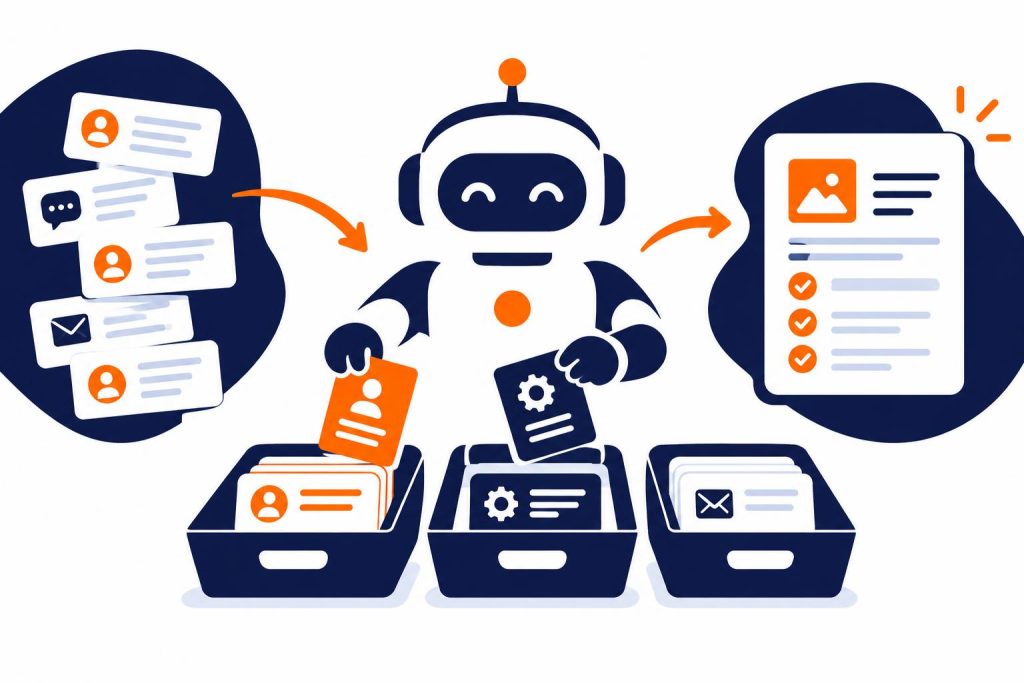
A classic chatbot follows a script: the customer clicks a button and gets a ready-made answer. When a question falls outside the decision tree, the conversation stops. An AI virtual employee runs on a language model, so it understands questions in the customer’s own words and answers from the knowledge you give it: price list, terms, service descriptions and FAQs.
The next level is an AI agent connected to your tools. It can log an enquiry in your CRM, check the calendar, send a summary email or start a draft proposal. A chatbot only talks, while an agent carries out agreed tasks within the permissions you give it.
A well set-up assistant has three parts:
- a knowledge base: current information about your business that it may use,
- a role brief setting out what it does, its tone and when it hands over to a person,
- integrations with forms, calendar, CRM or email, if it needs to save or send anything.
How many businesses already use AI
According to Eurostat, in 2025 20% of EU enterprises with at least 10 employees used AI, up from 13.5% a year earlier. Poland stood at 8.4%, one of the lowest rates in the EU (source: Eurostat, Use of artificial intelligence in enterprises).
The most common uses in 2025 were text analysis (11.8% of enterprises), generating images, video or audio (9.5%) and generating text or speech (8.8%). These are exactly an office AI assistant’s jobs.
Company size matters too. In 2024, AI was used by 11.2% of small companies, 20.9% of medium-sized ones and 41.1% of large ones (Eurostat data via trade.gov.pl). AI in small businesses is still rare, which gives an edge to those who adopt it early and sensibly.
6 roles AI can take on in your business today
These are tasks small and medium-sized businesses can hand to AI with little risk. All of them are repetitive and follow clear rules.
1. Website reception and helpline
This is the usual starting point, because AI in customer service shows results quickly. A website assistant answers questions at any hour about opening times, directions, guide prices, availability or booking rules. The customer gets an instant answer, and you skip the tenth call with the same question.
We built AI assistants like this for the Smile Design dental clinic and for Kotelnica Summer Festival, where it answers festival-goers’ questions. Both work from a limited, verified knowledge base and pass anything they should not decide to a person.
2. Lead qualification
Some enquiries come from ready buyers, some from people comparing offers, and some don’t fit your service at all. AI can ask a few qualifying questions about budget, timing, location and project size, then tag the enquiry and pass it to sales with a summary.
Your salesperson doesn’t start from scratch, because the key facts are in one place. Urgent enquiries go to the top, and poor fits get a polite automatic reply.
3. Preparing proposals
From form or chat details, the assistant can draft a proposal: choose a package, price it from your price list, add the service description and terms. You check, correct and send it.
We used similar logic in the conference room booking system for DMD Arena Częstochowa, a sports and events venue in southern Poland. Customers pick a date, arrange the room on an interactive floor plan, choose equipment and catering, and see the price live. The request holds the date for 72 hours, and staff manage it in a panel with statuses. Once pricing rules are written down, much proposal work can be automated. A language model adds handling of unusual requests in plain text.
4. Writing content
Product descriptions, social media posts, replies to reviews, newsletters, customer instructions. AI drafts them in minutes in your style, if you give it earlier texts as examples. A person still decides what gets published and checks the facts.
It works best for repetitive content. With 200 products to describe on one template, the time saved is greatest.
5. Document analysis
Contracts, tender requests, specifications, invoices, meeting notes. The assistant pulls out key points, deadlines and amounts, compares two versions of a document or lists questions for the client. Eurostat says text analysis is the most common use of AI in European businesses.
Treat the output as a working summary. AI finds what matters quickly, but a person decides whether to sign, ideally after reading the whole document.
6. Sales support
After a client call, AI prepares a note and a draft summary message. It reminds you to follow up when a proposal goes unanswered, and suggests arguments based on common questions and objections the website assistant has collected.
This works well in a funnel: the assistant collects and qualifies enquiries, the system sends follow-ups automatically and alerts your salesperson when the client returns to the pricing page.
What to hand over to AI and what to keep for people
This table shows which tasks to hand over straight away, which need oversight and which should never be automated.
| Task | AI’s role | Person’s role |
|---|---|---|
| Answering common questions | Answers on its own from the knowledge base | Updates the knowledge base, reviews conversations |
| Qualifying enquiries | Asks questions, categorises | Contacts hot leads |
| Draft proposal | Prepares a working draft | Approves the price and sends it |
| Marketing content | Writes the first draft | Edits, checks facts, publishes |
| Contract analysis | Summarises, flags risks | Decides, consults a lawyer |
| Complaints and disputes | Collects the case details | Handles the conversation and makes the decision |
Limits: what not to hand over to AI
An AI assistant can sound convincing even when it is wrong, so set clear limits at the design stage.
Decisions with legal and financial consequences
Leave off-list discounts, refunds, complaints, contract changes and medical or legal advice to people. AI can collect details and pass the case on, but should not promise anything on your behalf.
The 2024 case of Moffatt v. Air Canada is a good warning. The airline’s chatbot gave a customer wrong information about a bereavement fare discount. The airline argued the chatbot was responsible for itself, but a British Columbia tribunal ruled that the company answers for all information on its website and ordered it to pay compensation.
Human oversight
Every virtual employee needs a supervisor. In practice that means:
- regular conversation reviews, for example weekly for the first few months,
- a clear handover to a person when the customer asks or the AI doesn’t know,
- updating the knowledge base whenever prices, hours or your offer change,
- a list of topics where the assistant only replies “I’ll pass your question on to the team”.
Customers should also know they are talking to AI. The EU Artificial Intelligence Act (AI Act) requires it, and it builds trust. Details are in our guide to an AI chatbot for business.
Data security
An assistant talking to customers processes personal data, so GDPR applies. Before launch, check:
- where the model provider stores data and whether it trains on it (business plans usually let you turn this off),
- whether you have a data processing agreement with the provider,
- whether your privacy policy describes the assistant,
- what data the assistant really needs to collect; the less, the better,
- who on your team can see conversation history.
Never paste contracts with client data, HR records or passwords into public AI tools. It is the most common mistake when staff start using AI on their own.

Fun fact. The word “robot” comes from Karel Čapek’s 1920 play R.U.R., in which artificial workers do people’s jobs for them. Čapek himself credited his brother Josef with coining the word. It comes from the Czech “robota”, the forced labour serfs had to do on their lord’s land, which shares its root with the Polish word “robota”, meaning work (source: Wikipedia, R.U.R.).
For over a century we have imagined machines taking over our work. Today’s virtual employee does it in the office, but still needs someone to set tasks and check results.
How to roll out an AI virtual employee in 4 steps
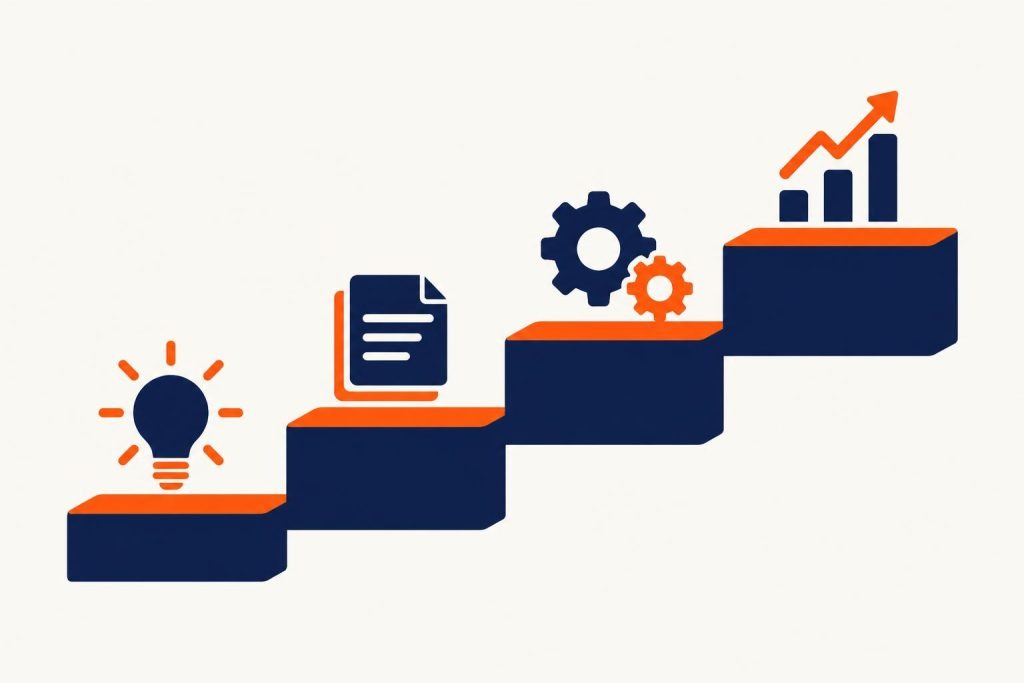
You don’t need to rebuild your business. Start with one process and grow it in stages.
Step 1. Pick one task and measure your starting point
Note how many hours a week your team spends answering the same questions, retyping enquiries or preparing proposals. Pick a repetitive task with clear rules and a low risk of error. For most service businesses that means website questions or qualifying enquiries.
Step 2. Prepare the knowledge and the rules
Gather your price list, terms, service descriptions, FAQ answers and sample emails in one place. Write the role brief: what the assistant does and doesn’t do, its tone and when it hands over to a person. This stage shapes answer quality more than the choice of model.
Step 3. Build, connect and test
The assistant goes on your website and connects to your forms, calendar, CRM or email. Before going live, test it on a few dozen real questions, including hard, unusual and provocative ones, and check that it hands over when it should.
Step 4. Launch, monitor and improve
For the first weeks, read the conversations and add unexpected questions to the knowledge base. Compare results with your starting point: response time, enquiry numbers, team hours. Once the first role runs smoothly, add another, such as draft proposals or automatic follow-ups.
Cost depends on scope: a simple knowledge-base assistant is a different project from an agent integrated with a booking system and CRM. On top comes the model usage fee, usually based on the number of conversations.
Your AI assistant and the systems you already have
An assistant delivers most when it can act on what it collects. If chat enquiries land in an ordinary inbox, part of the work returns to people anyway. So look wider during rollout: check whether you have a booking system, client portal or CRM the assistant can save data to. If not, consider a custom application or system built around your process.
One example is the Wedding Panel we built for the Stara Warzelnia wedding venue. The couple fill in an online form, and the details flow automatically to kitchen and waiting staff sheets, the room calendar and billing. With data organised in one system, an AI assistant can answer questions from current information.
The website matters too. An assistant won’t rescue a slow site that doesn’t lead visitors to get in touch. If yours needs a refresh, see how we approach designing websites that sell.
Frequently asked questions
Will an AI virtual employee replace a member of staff?
In a small business it usually takes over selected duties. It frees your team from repetitive questions and data entry, leaving more time for customers, sales and decisions.
Won’t AI in customer service put customers off?
Customers dislike bots that don’t understand them and block the way to a person. An assistant that answers fast, says openly it is AI and hands over to the team when needed is usually seen as a convenience.
How long does a rollout take?
A simple website assistant with a knowledge base can be live within a few weeks, testing included. An agent integrated with a CRM, calendar or quoting system takes longer, as the integration must be designed and tested on real data.
What happens if the AI gives wrong information?
Your business is responsible, as for any content on its website. So the assistant should use only an approved knowledge base, have a list of topics reserved for people, and have its conversations reviewed regularly.
Where should I start if I run a small business?
With the one task that weighs on you most, usually repetitive customer questions on your website or collecting details for quotes. Once that works, adding more is easy.
Summary
An AI virtual employee works best where the work is repetitive and the rules can be written down: website reception, lead qualification, draft proposals, content, document analysis and sales support. Financial, legal and disputed decisions stay with people, and a supervisor reviews conversations and keeps data secure.
If you want to find out which tasks in your business to hand over to AI, let’s talk. We will review your processes and suggest a rollout that fits your size. You can also browse our work or call us on +48 794 505 965.