
A customer visits your website at 10:40 pm. They want to know if you have a free slot, what it costs and whether they can reach you by bus. The contact form promises a reply “within 24 hours”, so they close the tab and ask a competitor. A well-built AI chatbot for business answers them straight away, knows your offer and leaves you a complete enquiry for the morning.
Below we explain how a modern assistant differs from old button-based bots, what it should do, where the risks lie (made-up answers, personal data, the AI Act) and how to check whether a website chat pays for itself.

AI chatbot for business vs the old rule-based bot
Early website bots ran on decision trees. Someone wrote a script: if the customer clicks “Prices”, show text A; if they type “delivery”, show text B. Anything outside the script got “Sorry, I don’t understand, please choose an option”. Customers soon learnt to give up and phone.
An assistant built on a large language model (LLM) understands questions in the customer’s own words, typos and all. It answers from the knowledge you give it: service descriptions, prices, terms, FAQ, opening hours. You do not have to predict every question, but you do have to prepare good sources and set clear boundaries.
| Feature | Rule-based bot | AI assistant (language model) |
|---|---|---|
| How it understands a question | Looks for keywords or button clicks | Understands the meaning of a sentence, context and follow-up questions |
| Where answers come from | Ready-made texts typed in by hand | A knowledge base about the company, with each answer written on the fly |
| Question outside the script | “I don’t understand” | Tries to help or hands the case to a person |
| Languages | Each language is a separate script | Replies in the customer’s language from the same knowledge base |
| Updates | Rebuilding the decision tree | Editing a document in the knowledge base |
| Main risk | Customer frustration | A made-up answer if good sources and rules are missing |
A rule-based bot still suits very simple tasks, such as checking an order status by number. With a customer who is still exploring your offer, an AI website assistant wins, because it holds a conversation instead of showing a menu.
What an AI website assistant should be able to do
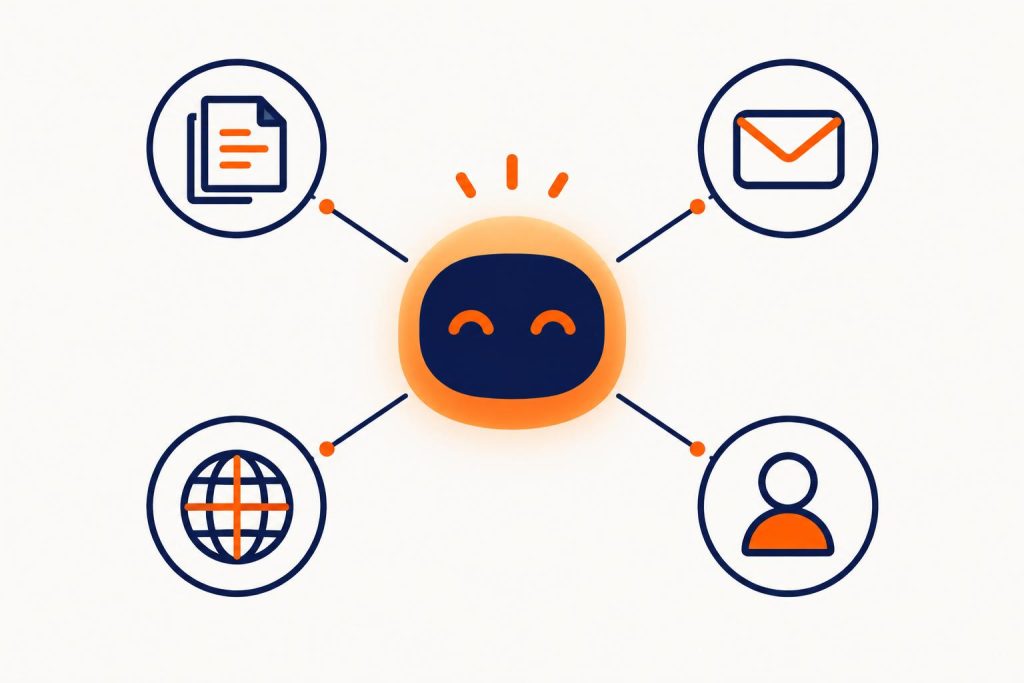
A language model writes fluently but knows nothing about your company. Its quality depends on what you feed it and connect it to. Without these four skills, a virtual customer assistant stays a gadget.
Knowledge of your offer and policies
The assistant answers from your documents: services, prices or price ranges, terms, returns policy, directions, FAQ. Technically, the system finds matching passages in the knowledge base for each question and tells the model to answer only from them. When prices change, you update one document, not the whole bot.
A good knowledge base also says what the assistant must not do: give a final treatment price, promise discounts or comment on competitors.
Collecting enquiries and leads
The conversation should lead somewhere. When a customer is interested, the assistant asks for what you need to quote: date, number of people, scope, phone or email. The enquiry lands in your inbox, CRM or admin panel with a chat summary. You get a complete request instead of “Please contact me”.
If you have a booking system, the assistant can send customers straight to it. In the system we built for DMD Arena Częstochowa, a sports and events venue in southern Poland, customers pick a date, arrange the room on an interactive floor plan and see the price as they go. That is where an AI website chat can send customers who have decided. Read more on our custom apps and systems for business page.
Handling several languages
The model replies in the customer’s language, using the same Polish knowledge base. For a guesthouse, festival or clinic that welcomes tourists, this is often the easiest way to serve foreign visitors without translating the whole site. Check answers in each key language before launch, especially service names and prices.
Handing the conversation to a person
The assistant has to know when to stop. A complaint, a medical question, haggling over price or “I want to talk to a human” all mean handing over: a phone button, a form with a chat summary or a notification to a staff member who takes over. The customer should not have to repeat everything.
Examples from our work: Monika and Pomocny Góral
On the website of the Smile Design dental clinic, patients are greeted by an assistant called “Monika”. The site focuses on local SEO, and the assistant adds a contact channel: patients ask in the chat window instead of hunting for a phone number.
“Pomocny Góral” (the Helpful Highlander) on the Kotelnica Summer Festival website has a completely different character. It tells festival-goers what awaits them. At large events the same questions pile up just before the start, so the assistant takes them off the organisers’ hands. The highlander persona, a nod to the festival’s mountain setting, adds local flavour.
The lesson: the assistant’s personality should match the brand, and its knowledge should match what customers actually ask. More projects are in our work: websites, systems and AI assistants.
Fun fact. The first known chatbot, ELIZA, was created at MIT between 1964 and 1967. Joseph Weizenbaum built it on simple rules: it spotted keywords and turned the user’s words back into a question. Even so, his secretary reportedly asked him to leave the room so she could talk to ELIZA in private. People credit machines with understanding even when there is none, which is why clear AI disclosure matters today (source: Wikipedia, ELIZA entry).
Risk number one: made-up answers
A model that cannot find the answer in its sources may produce something plausible but untrue, known as a hallucination. For a business that means an assistant promising a discount that does not exist or a deadline you cannot meet.
A well-known example is Moffatt v. Air Canada from 2024. The airline’s chatbot told a customer he could claim a bereavement fare discount retroactively, after travelling. The airline’s policy did not allow this. Air Canada argued it was not responsible for its chatbot, but the British Columbia tribunal ruled the chatbot was part of the company’s website and ordered a refund of the difference (source: Mondaq, case summary). Treat whatever your website assistant says as if you had written it yourself.
How to reduce the risk:
- Tell the assistant to answer only from the knowledge base and to admit when it does not know.
- Set hard limits: no price promises, discounts, diagnoses or legal advice.
- On sensitive topics, direct the customer to a person or to the relevant page with your terms.
- Before launch, test the assistant on several dozen real customer questions, including tricky ones.
- After launch, read conversations regularly and fill gaps where the assistant got lost.
Chatbots and GDPR: personal data in the conversation
Customers type everything into a chat: name, phone, address, sometimes health details. Under the GDPR you are the data controller, and the model and chat tool provider usually processes the data on your behalf. In practice, compliance comes down to a few steps:
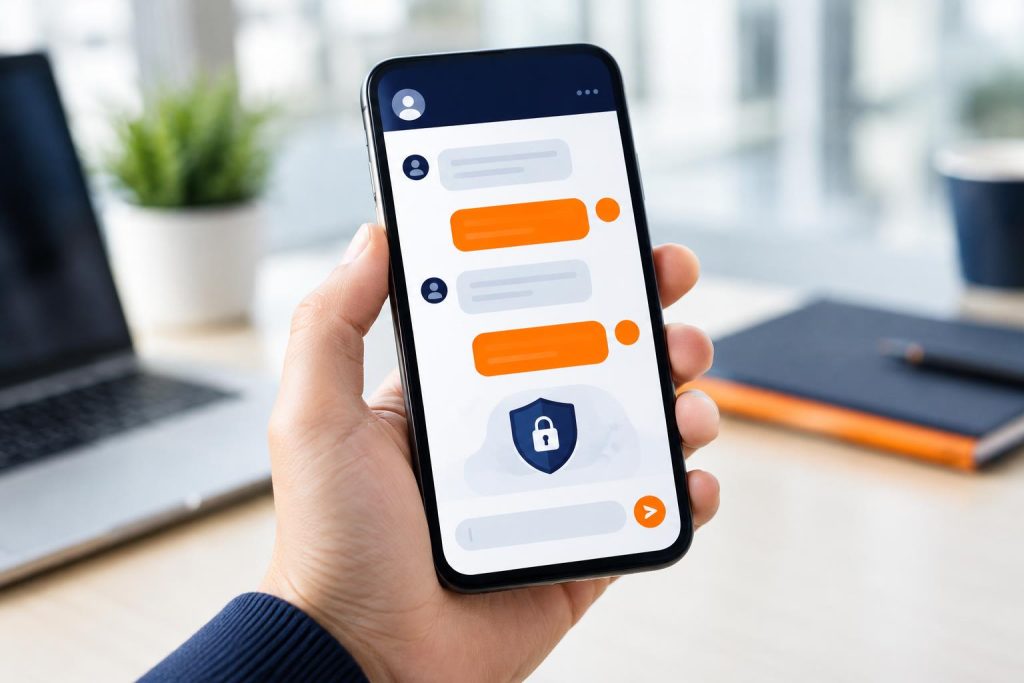
- Privacy notice. Next to the chat window, say who processes the data and why, with a link to your privacy policy.
- Data processing agreement. Check that the model and chat platform providers sign one, and where the data is physically processed.
- Data minimisation. The assistant asks only for what it needs to answer or quote. It does not need a national ID number (PESEL in Poland) to book a consultation.
- Retention. Decide how long you keep chat transcripts, and delete them after that period.
- Sensitive data. In healthcare or law, design the chat so the assistant does not ask for health details and refers people to the practice.
- Model training. Make sure the provider does not use your customers’ conversations to train its models.
Agree these points with your data protection lead before going live.
The AI Act: telling people they are talking to AI
Article 50 of the EU Artificial Intelligence Act (AI Act) introduces a transparency obligation. AI systems that interact directly with people must let users know they are dealing with a machine, unless that is obvious from the context. The obligation applies from 2 August 2026 (source: Polish Ministry of Digital Affairs, gov.pl).
According to the ministry, the notice must be clear, given at the first interaction at the latest and understandable to people with special needs. The AI Omnibus package pushed back deadlines for high-risk systems (to 2 December 2027 and 2 August 2028) but did not postpone the AI disclosure duty (source: Forsal.pl). Breaching Article 50 can lead to fines of up to €15 million or 3% of annual worldwide turnover, and for small and medium-sized businesses the lower of the two applies (source: Forsal.pl).
In practice, a simple change to the interface is enough:
- In the assistant’s greeting, say plainly that it is an AI assistant, for example “Hello, I’m this clinic’s virtual AI assistant”.
- Add a permanent “AI” or “AI assistant” label in the chat window header.
- Do not let the assistant pretend to be human, even if it has a name and a personality.
If your chat has no such notice, add it now. It takes minutes and removes an easily avoided risk.
How to set up an AI chatbot for business, step by step
- Collect customer questions. Go through recent emails, Messenger messages and call notes. List the 30–50 most common questions.
- Set a goal. Take load off customer service, collect quote requests or drive bookings? The goal shapes the conversation flow and your success metrics.
- Prepare the knowledge base. Up-to-date service descriptions, prices or price ranges, terms, directions, opening hours, FAQ. This is the most important and most underestimated stage.
- Define limits and tone. What the assistant does not say, when it hands over to a person, how it introduces itself and whether it has a name.
- Connect your processes. Where enquiries go: email, CRM, admin panel, booking system. Who gets notified.
- Cover GDPR and the AI Act. An AI notice in the greeting, a privacy note by the chat window, a data processing agreement with the provider.
- Test. Ask real customer questions, including awkward ones, and improve the knowledge base.
- Launch and monitor. For the first weeks, read conversations every few days and fill the gaps.
An assistant works best on a clear, fast website. If yours needs a refresh, start with a website that sells and add the assistant as part of it.
How to measure the results of an AI website chat
An assistant costs money and time, so it should deliver measurable results. Set metrics before launch and compare them with the period before.
- Number of conversations and the share of visitors who open the chat.
- Number of enquiries or bookings collected by the assistant and their quality: how many lead to an offer, how many to a sale.
- Share of conversations resolved without a person and the share handed over to staff.
- Unanswered questions. Topics where the assistant admitted it did not know: a ready-made to-do list for the knowledge base and often an idea for a new page.
- Time of day. How many enquiries arrive in evenings and at weekends, when nobody picks up the phone.
- Team time. How many fewer calls and emails with repetitive questions your staff handle.
Tag chat enquiries in your analytics as a separate conversion event. You will see how many leads come from the assistant versus the form and can compare that with your campaigns. If you run Meta and Google campaigns, send these conversions to the ad platforms as well.

Frequently asked questions
Will an AI chatbot for business replace a customer service employee?
It will handle repetitive questions and enquiries, often after hours. Matters needing decisions, empathy or negotiation should stay with a person, and the assistant should pass them on smoothly.
Can an AI assistant quote prices?
Yes, if the prices are in the knowledge base and kept up to date. For individually priced services, it should give a range and collect details for an exact quote rather than promise a figure.
Do I have to tell visitors that AI is running on my website?
Yes. From 2 August 2026, Article 50 of the AI Act requires users to know they are talking to an AI system, unless this is obvious from the context. The simplest way is to say so in the greeting and in the chat window header.
How long does it take to add an AI chat to a website?
It depends on scope. A simple assistant answering questions about your offer mainly needs a knowledge base and testing. Integrating a booking system, CRM or customer panel takes more development. Gathering company knowledge usually takes longest.
What about the data customers type into the chat?
You are its controller under the GDPR. You need a notice by the chat window, a data processing agreement, a retention rule for transcripts and confirmation the data does not train anyone’s models.
Launch an assistant that knows your business
A good AI chatbot for business sticks to your offer, collects specific enquiries, speaks the customer’s language, knows when to hand over and openly says it is AI. It keeps working while your team rests.
We design and build AI assistants for company websites, from knowledge base, personality and conversation flows to integration with forms, bookings and admin panels. See what we can take off your plate, or write to us or call: +48 794 505 965, +48 22 602 25 32.