A guest finds your guesthouse on Google, browses your website’s photos, then books through Booking.com anyway, because that is where the calendar and “Reserve” button are. You pay the portal commission, though you found the guest yourself. Venues, sports halls and service businesses have a similar problem: bookings arrive by phone, email and Messenger, and dates live in a notebook.
Your own online booking system on your website solves both problems. Guests see free dates, book in minutes and pay a deposit, with no middleman. Below you will work out what portals cost you, see what a good system needs and decide between an off-the-shelf tool and a custom build.
What Booking.com commission really costs
Booking.com charges a commission on every completed booking. According to PriceLabs, it usually ranges from 10% to 25% of the booking value, about 15% on average (source: PriceLabs, Booking.com fees). It applies to the room price and extras such as breakfast or parking.
The rate rises if you join visibility programmes such as Preferred Partner or Genius, paying more for a better search position. Your exact rate is in your contract with the portal.
A simple sum for a guesthouse
Some example figures: an average booking of 2,000 zł (about €470) and 150 portal bookings a year. At 15% commission you give away 300 zł on each, or 45,000 zł a year (about €10,600). If a third of those guests found you through Google, Instagram or a recommendation, you pay around 15,000 zł a year (about €3,500) for customers you won yourself.
Run the sum with your own figures from the portal dashboard. It is the best argument for or against investing in direct bookings. At these amounts, your own system can pay for itself in one season.
Keep the portal, but not as your only channel
Leaving Booking.com rarely makes sense. It brings guests from abroad and people who don’t know you yet. The goal is to move returning guests, referrals and people searching for you by name to your own site. Treat portals as paid advertising and your website as your main reception desk.
What an online booking system needs
A contact form with an “arrival date” field changes little. The guest still waits for a reply, and you still check the calendar by hand. A good system takes over those steps with the elements below.
A booking calendar on your website
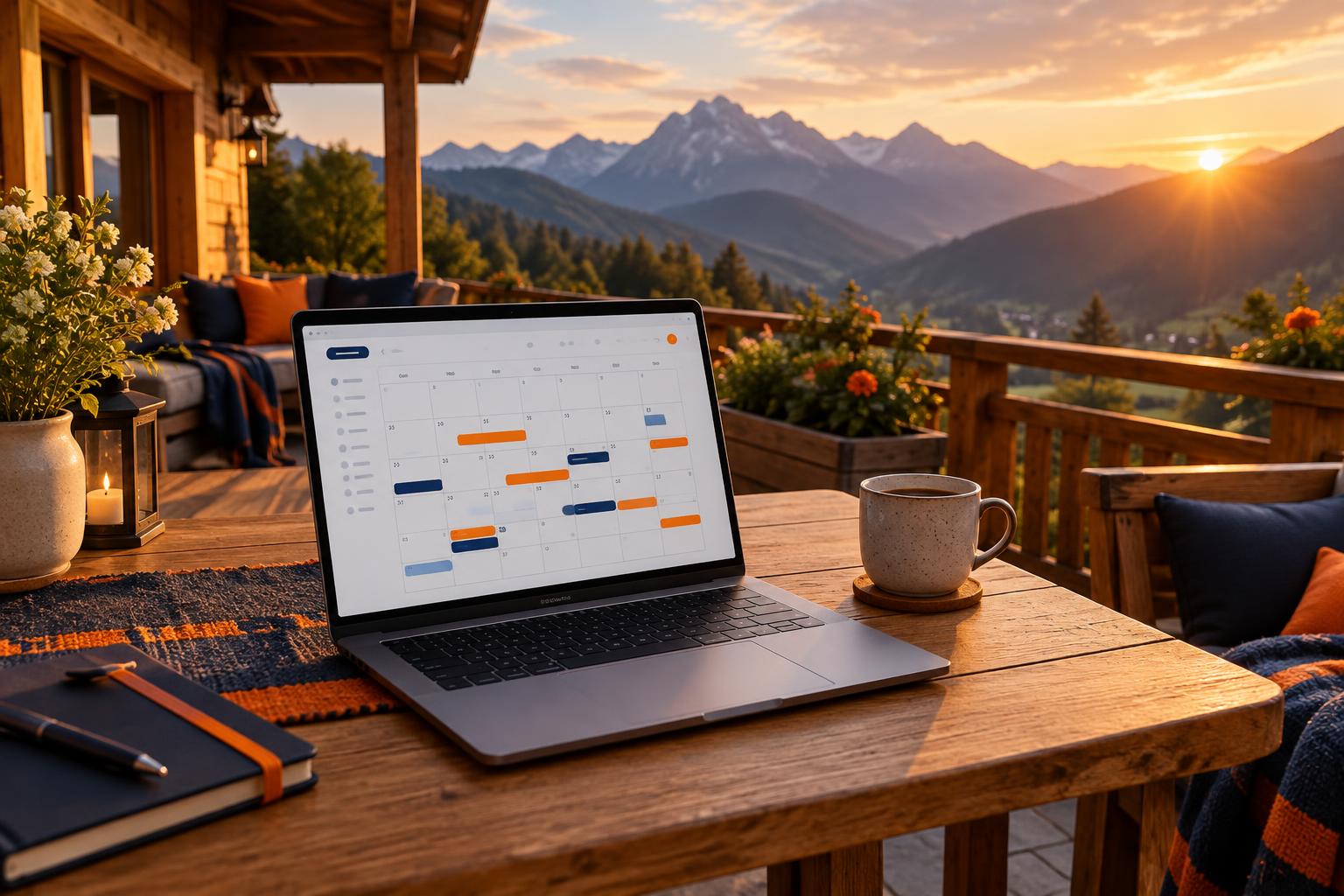
A booking calendar on your website shows free and taken dates for each room, cabin, hall or court. The guest picks dates and sees the price at once, reflecting season, number of guests, minimum stay and extras. It must work well on a phone, where most searches start.
Date blocking
When a guest books, the date must vanish from the calendar at once, or two people will book the same room minutes apart. The system should also release the date automatically if the deposit or staff confirmation doesn’t come within a set time.
Online deposit
An online deposit filters out “just in case” bookings and makes no-shows less likely. Guests pay by BLIK (Poland’s mobile payment system), card or instant bank transfer through a gateway such as Przelewy24 or Stripe, and the system marks it as paid. Remember that under Polish law a deposit (zadatek) has specific legal consequences (art. 394 of the Civil Code), so state the refund terms clearly in your booking terms.
Automatic emails and reminders
After booking, the guest gets a confirmation with dates, amount, booking number and directions. Before arrival, the system sends a reminder about the balance and check-in times. You get notified of every new booking, and stop answering the same questions by hand a dozen times a week.
iCal sync with portals
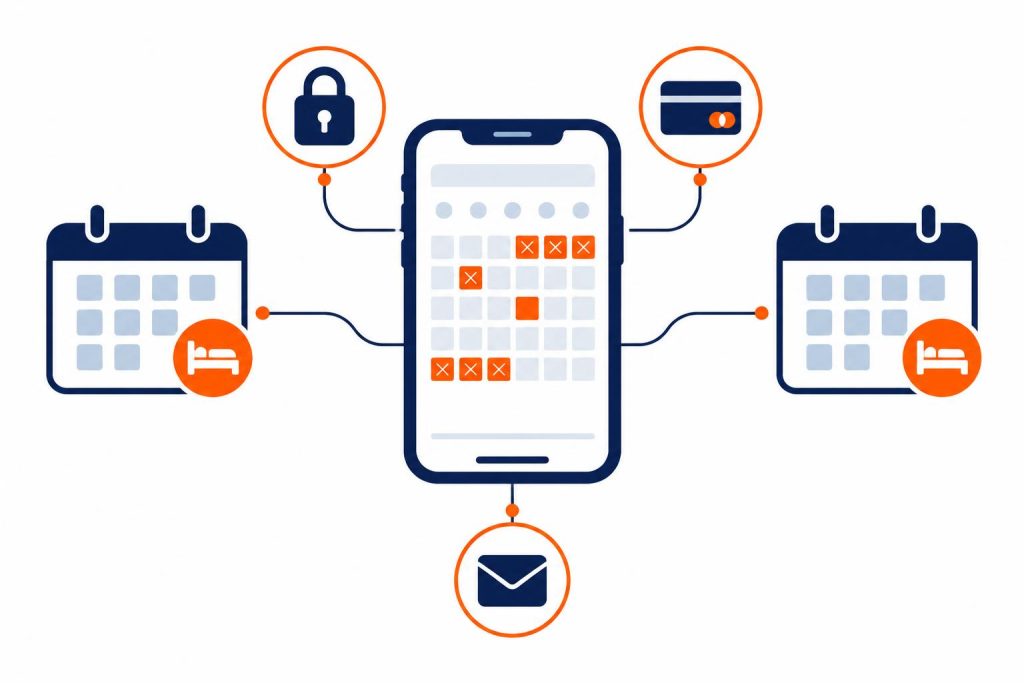
If you still sell through Booking.com or Airbnb, the calendars must talk to each other. The simplest way is iCal sync: the system exports taken dates to the portal and imports its bookings.
iCal refreshes periodically, every few dozen minutes to few hours depending on the portal, so heavy traffic raises the risk of double bookings. Hotels with many rooms usually connect a channel manager, which syncs availability and prices almost instantly.
Staff panel
In the panel, you and your staff see all bookings, payment statuses, guest details and notes. You can add a phone booking, block dates for renovation or change the price for a bank holiday weekend. A good panel has user roles, so reception and the owner see different things.
Direct bookings and the law: what you can do since 2024
For years, properties feared offering lower prices on their own websites, because portal contracts had parity clauses banning better terms in other sales channels.
Fun fact. The European Commission designated Booking.com a gatekeeper under the Digital Markets Act (DMA). Since 14 November 2024 the portal has had to comply with the ban on parity clauses, and properties in the European Economic Area can freely set prices and terms, including on their own website. Booking.com removed these requirements from its terms as early as July 2024 (source: European Commission, Digital Markets Act).
So you can give direct bookers a lower price, free breakfast, late check-out or a returning-guest discount. State the benefit clearly by the calendar, because it persuades guests to book with you rather than the portal.
Booking systems for guesthouses, hotels, venues and sports facilities
Each sector books something different, so the system must understand the unit you sell. The same mechanisms (calendar, blocking, deposit, panel) vary by property.
- Guesthouse or B&B. Rooms or cabins by the night, with minimum stays, seasonal prices, pet and extra bed surcharges, and portal sync.
- Hotel. Many room types, rate plans, packages (for example with a spa) and usually a channel manager rather than iCal alone.
- Conference or wedding venue. A day or several hours. The client chooses layout, equipment and catering, and the price has many components.
- Sports facility. Courts, pitches and halls by the hour, often with recurring bookings (say, every Tuesday at 6 pm) and passes.
- Services. Clinics, training courses, equipment hire. You book a person’s or station’s time, often with a text reminder the day before.
If you run, say, accommodation and an events hall, one panel should handle both. Two tools soon mean two calendars to watch.
Off-the-shelf tool or custom online booking system
There are two routes: a ready-made subscription service or WordPress plugin, or a system tailored to your processes. Each suits different situations.
| Criterion | Off-the-shelf tool (subscription, plugin) | Custom system |
|---|---|---|
| Set-up time | From a few days | Usually a few weeks |
| Start-up cost | Low | Higher, one-off |
| Running cost | Monthly fee, sometimes a commission per booking | Hosting and technical support |
| Fit | Only within the tool’s settings | Built around your rules, price lists and processes |
| Look | A widget or a separate provider page | Consistent with your website |
| Guest data | Held by the provider | Held by you |
| Best for | Small property, simple price list | Unusual rules, several services, venues, sports facilities |
Prices depend heavily on scope. Off-the-shelf tools usually cost a few dozen to a few hundred złoty a month. A custom system is a one-off investment, typically thousands or tens of thousands of złoty, depending on features and integrations. Check whether a ready-made tool takes its own per-booking commission, or you are partly back where you started.
When an off-the-shelf tool is enough
- You have a few rooms or cabins and a simple seasonal price list.
- You don’t need unusual rules, such as conditional bookings or quotes built from many components.
- You want a quick start before the season.
When a custom system pays off
- You sell more than accommodation: a hall, equipment, catering, classes.
- You have your own rules that a ready-made tool can’t handle, for example an enquiry that holds a date until staff confirm it.
- You want each booking to create documents for your team straight away: job sheets, lists, settlements.
- You run several properties and need a single panel.
We build custom solutions as part of our apps and systems for businesses service. We always map how you take bookings today first, then decide whether you need a system from scratch or a well-configured ready-made tool.
Examples from our work: Willa pod Smrekiem and DMD Arena
Willa pod Smrekiem: direct booking for a guesthouse
For the Willa pod Smrekiem guesthouse we built a website with direct booking. Guests arriving from search or a recommendation book with the owner, and the property pays no portal commission. It is a good model for smaller properties: the calendar and booking are part of the site, not a redirect elsewhere.
DMD Arena Częstochowa: rooms held for 72 hours
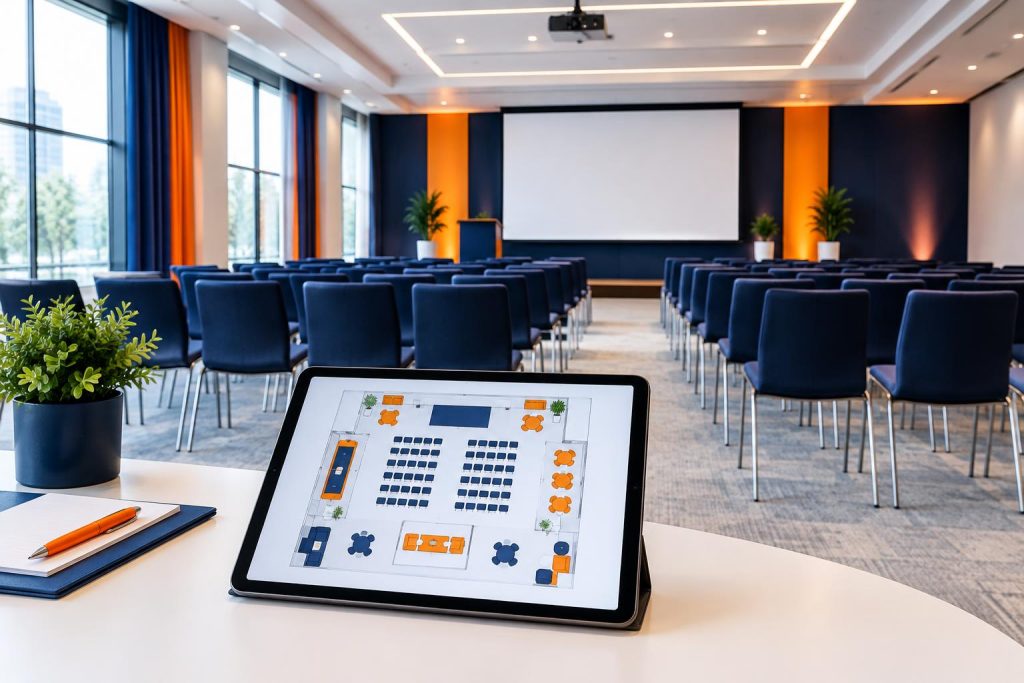
In the system we built for DMD Arena Częstochowa, a sports and events venue, clients book a conference room themselves. They pick a date, arrange the room on an interactive floor plan, choose equipment and catering, and see the price update with every change.
An enquiry holds the date for 72 hours, so nobody else can take it while staff confirm details. The team manages bookings in a panel with statuses, and the system generates PDF and Excel job sheets for the crews. Such a hold suits any booking that needs agreeing before payment.
See more projects, including Panel Weselny (a wedding planning panel for wedding venues) and sign-ups with a live count of free places, in our work.
How to set up direct bookings step by step
- Add up the commission. Total 12 months of commission from the portal dashboard and check how many guests returned or were referred.
- Write down your rules. Minimum stay, seasonal prices, deposit amount, cancellation terms, check-in times.
- Choose a solution. An off-the-shelf tool for simple rules, a custom system for unusual ones.
- Connect the calendars. Set up iCal sync or a channel manager with each portal before going live.
- Connect payments. A gateway with BLIK and cards, marking payments automatically.
- Test it. Make test bookings, including on a phone, and check the emails to the guest and to you.
- Encourage direct bookings. Show the guest benefit by the calendar, and link to it in email footers, your Google Business Profile and social media bios.
A system alone won’t bring guests, so work on traffic too. A fast, clear website helps (see websites that sell), as do campaigns that send people to the calendar. An AI assistant on your website can answer pre-booking questions about directions, parking or pets at any hour.
Frequently asked questions
Does an online booking system work alongside Booking.com and Airbnb?
Yes. The simplest way is iCal, which popular portals support. With more rooms, a channel manager is better, as it syncs faster and reduces double bookings.
Can my website show a lower price than Booking.com?
In the European Economic Area, yes. Since 14 November 2024 Booking.com has had to apply the ban on parity clauses under the Digital Markets Act, so you can freely set prices and terms on your own website.
How much deposit should I take for an online booking?
You decide. Many properties take part of the stay’s value up front and the rest on arrival. The amount and refund terms should be in your booking terms and visible before payment.
Does a guesthouse booking system need a new website?
Not always. A calendar and booking can often be built into an existing WordPress site. A new website makes sense when the current one loads slowly or looks bad on a phone, because then guests escape to the portals anyway.
How long does set-up take?
An off-the-shelf tool takes a few days. A custom system usually takes a few weeks, depending on features and integrations. Start before the season so you can test calmly.
Start taking bookings without commission
Every booking from a guest who already knew you but went through a portal is money handed to a middleman. A good online booking system shows free dates, blocks them, takes a deposit, sends emails and syncs with portals, while you manage everything from one panel.
Tell us what you take bookings for and how, and we will propose an off-the-shelf tool or a system built for your property. Call +48 794 505 965 or +48 22 602 25 32, or use the form.