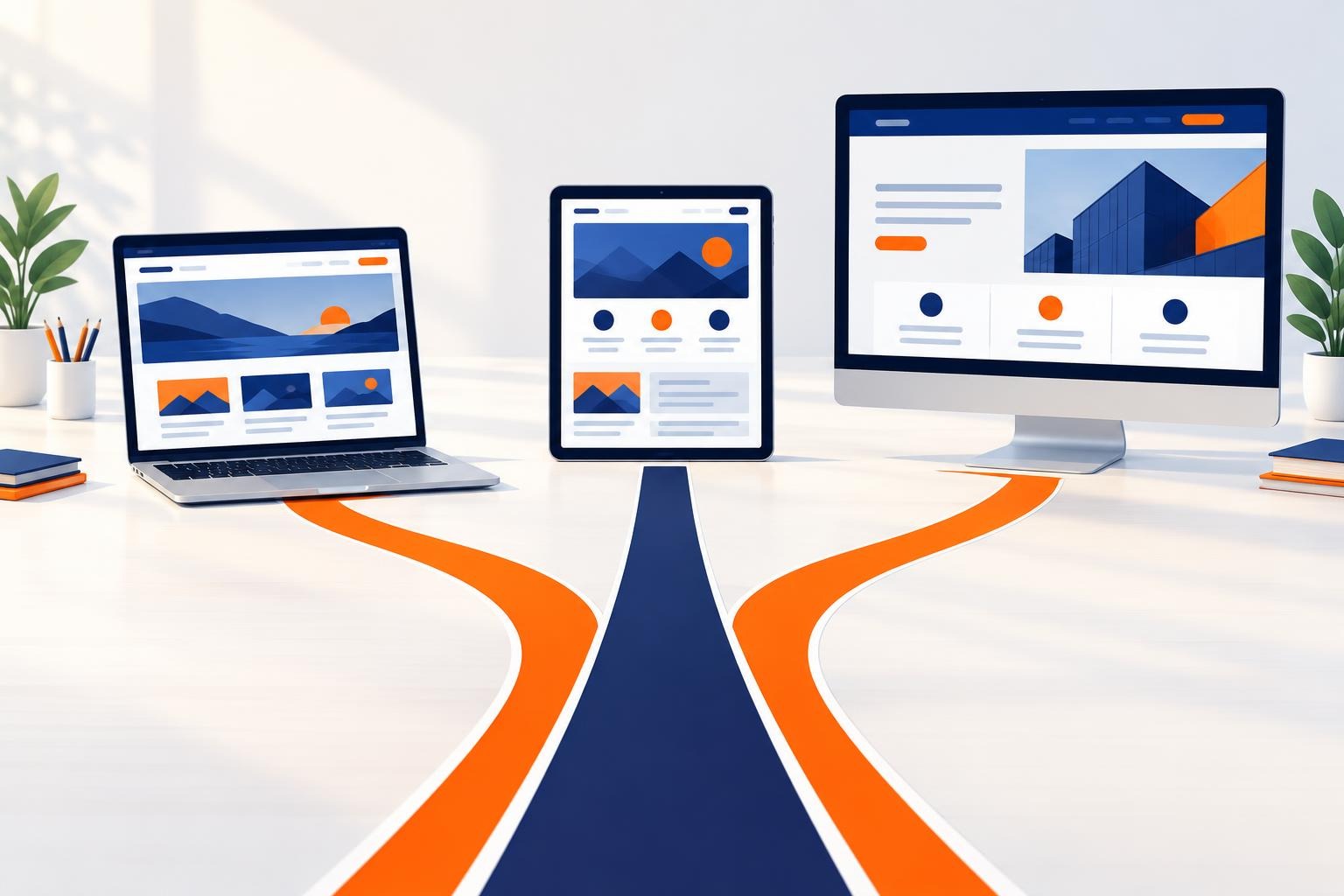
You need a new website and you’re getting three different pieces of advice. A friend recommends a site builder because “you can click it together yourself over a weekend”. An agency says a WordPress website for business is the best choice. A developer insists only a site coded from scratch gives you freedom. Each has a point, and a wrong choice usually shows a year later, when you want to add a feature, move the site or do proper SEO.
We compare the three on cost, ownership, SEO, scalability, security and portability, and finish with simple questions to help you decide.
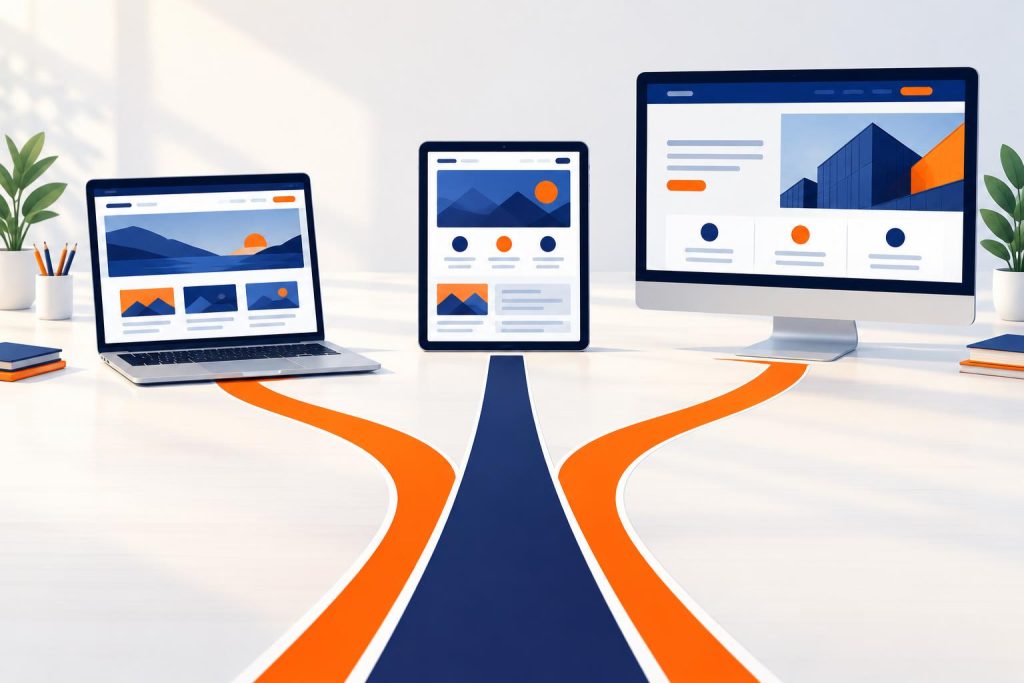
Site builder, WordPress and custom application at a glance
The three options differ in who owns the code and where the site actually runs.
- A website builder (Wix, Squarespace, Webflow and similar) is a subscription service. You assemble the site from ready-made blocks in your browser, and it runs on the provider’s servers. You pay for access, not for code.
- WordPress is a free, open-source system. You install it on any hosting and build the look and features from a theme, plugins and your own code. The files and database belong to you.
- A custom application is software written from scratch for one process, such as a booking system or client portal. It gives the most freedom but needs a developer at every stage.
WordPress is the most popular of the three. According to W3Techs (data from 29 October 2026), it powers 39.5% of all websites, and 58.3% of sites whose content management system could be identified. In practice this means specialists, plugins, guides and suitable hosting are easy to find.
WordPress or Wix? A comparison table for businesses
“WordPress or Wix” is the question we hear most, so Wix stands in for site builders in the table. It assumes a typical business site: a few service pages, a blog, a contact form, perhaps a simple shop or bookings.
| Criterion | Site builder (e.g. Wix) | WordPress website | Custom application |
|---|---|---|---|
| Start-up cost | Lowest, you can often start yourself | Medium, depends on the design and number of features | Highest, every feature is developer work |
| Running cost | Fixed subscription, rises with higher plans | Hosting, domain, plugin licences, technical support | Server, code maintenance, security fixes |
| Ownership | Content is yours, but the site only runs on the provider’s platform | Full: files, database and code | Full, if the contract transfers rights to the code |
| SEO | Basics built in, limited technical control | Full control over content, structure and code | Full, but everything has to be programmed |
| Scalability | Within the provider’s app marketplace | Thousands of plugins plus custom-built plugins | Unlimited, at the cost of developer time |
| Security | Handled by the provider | Your responsibility: updates, backups, good plugins | Handled by the team that maintains the code |
| Portability | You rebuild the site from scratch | You copy the files and database to another server | Possible, if you have the code and documentation |
Think about cost over years, not the first month. A site builder has a low entry price, but you pay the subscription for as long as the site exists, and extra features often need a pricier plan or paid apps. WordPress costs more upfront, then mainly hosting, plugin licences and support. A custom application is the most expensive at every stage, so it only pays off when it saves your team real time or brings sales you couldn’t get otherwise. In every case the final figure depends on scope.
The most underrated row is portability. Wix states plainly in its help centre that, as a SaaS service, your site must run on its servers. Change your mind in three years and you keep your content and domain, but rebuild the design from scratch.
When a website builder is enough
A site builder isn’t a bad choice, just one for a particular stage of a business. It works when:
- you’re testing a business idea and want a simple online presence within days,
- the site has a few pages and customers come through referrals anyway,
- you don’t plan bookings, a client portal or integrations with other systems,
- you’d rather pay a fixed subscription than deal with hosting and updates.
You feel a builder’s limits as the business grows: you need a non-standard form, a link to your accounting system or booking logic the provider didn’t plan for. So you hunt for a marketplace app, upgrade your plan or work around the limits. On a site you can’t move, each such step ties you to the provider more.
If you start with a builder, register the domain in your own name with an independent registrar. Moving later will be much easier.
When to choose a WordPress website for business
WordPress is a good middle ground for most small and medium-sized businesses. You get a ready-made content editor, and nothing stops you expanding later. Choose it when:
- the site needs to win customers from Google, so SEO and regular publishing matter,
- you’re planning a blog, a WooCommerce shop, enquiry forms or bookings,
- you want a full copy of the site and the freedom to change hosting or contractor,
- you need integrations: online payments, email marketing, CRM, an AI assistant.
WordPress web design: ready-made theme or bespoke design
WordPress web design can go two ways. A ready-made theme with a page builder speeds up the start but often loads lots of unneeded code. A design built around your offer on a lightweight theme gives a faster site and a layout geared to sales.
Speed matters here. On our own site, efektywnymarketing.pl, in October 2026 we cut the number of requests from 138 to about 45 and the page weight from 2.8 MB to 0.9 MB. The mobile PageSpeed score rose from 69 to 79, and FCP fell from 3.8 s to 2.2 s. WordPress is slow when too many add-ons weigh it down, not by nature. Details are in our article on how to improve website speed.
Who will edit the site
A well-built WordPress site lets you change text, images, price lists and blog posts yourself without touching code. The block editor works much like a site builder, but the designer can lock elements that are easy to break, such as the homepage layout, and leave you only the content. The site still looks consistent a year later.
SEO on WordPress
WordPress gives you full control over what Google sees: URLs, headings, meta descriptions, structured data, the sitemap and redirects. You can add an SEO plugin and also change the theme code when a plugin falls short. Site builders often don’t allow such changes at all.
Fun fact. WordPress exists because its predecessor stopped being developed. In 2003 Matt Mullenweg and Mike Little took the code of the abandoned b2/cafelog blogging system and carried it forward under a new name. The first version, 0.70, came out on 27 May 2003. Its open licence saved the project, and today it gives you the same guarantee: your website won’t disappear along with a single provider (source: Wikipedia, WordPress).
When you need a custom application or a bespoke plugin
A custom application makes sense when your website stops being a brochure and starts running a business process. Typical signs:
- your team copies data from emails into spreadsheets, and from spreadsheets into more documents,
- customers need their own account, order history or subscriptions,
- off-the-shelf booking plugins don’t fit your pricing, scheduling or resource logic,
- several people or departments need to see the same process in real time.
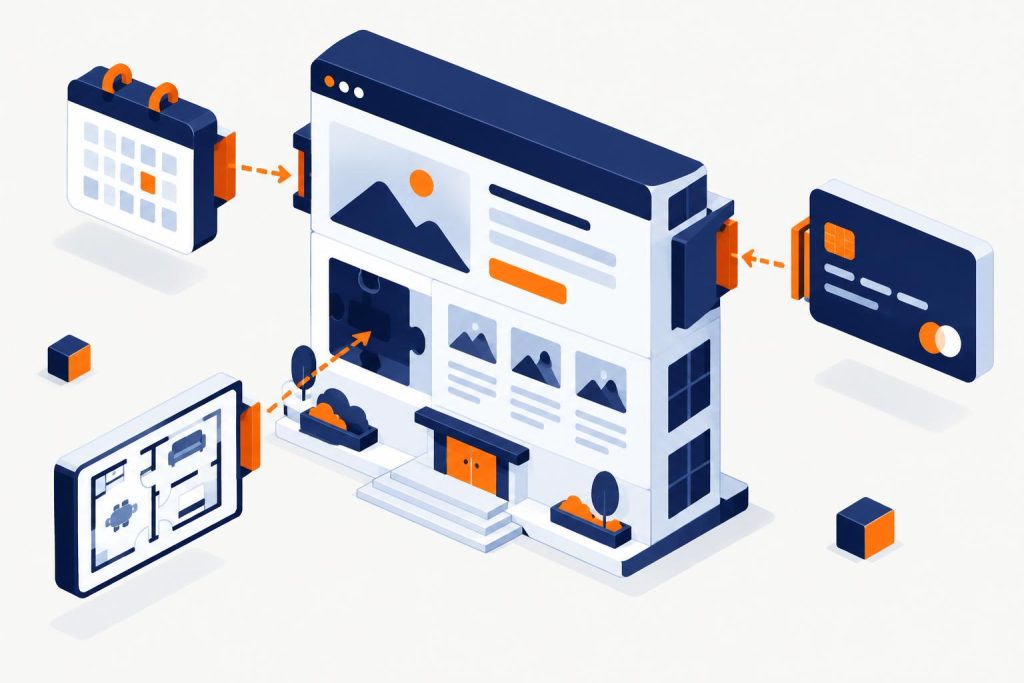
You don’t always need to start from scratch. Often the sensible route is a custom WordPress plugin: a module with its own logic running inside your existing site. You reuse WordPress’s login, admin panel, hosting and security, and the developer writes only what is unique to your business.
That is how we built two larger systems. The Wedding Panel for Stara Warzelnia, a wedding venue, handles the couple’s online form, kitchen and waiting staff sheets, the room calendar and billing. In the system we built for DMD Arena Częstochowa, a sports and events venue, the customer picks a date, arranges the room on an interactive floor plan, chooses equipment and catering, and sees the price live. The request holds the date for 72 hours, and staff work in a status panel and generate PDF or Excel job sheets for the crews.
Both are WordPress plugins, so the client edits content in a familiar panel and needs no separate server or second login. Read more on our page about custom applications and systems for business.
A standalone application outside WordPress has the edge with very heavy traffic, complex real-time integrations or when the software itself is the product. For most service businesses a custom plugin is enough and costs less.
WordPress security: updates, licences and backups
WordPress’s popularity attracts attacks, so it helps to know where vulnerabilities come from. According to the Patchstack State of WordPress Security in 2025 report, 7,966 new vulnerabilities were found in the WordPress ecosystem in 2024. 96% of them were in plugins and 4% in themes, while WordPress core had 7, none of them a widespread threat. The same report says 33% of vulnerabilities were not patched before they were disclosed.
So your site’s security depends mainly on which plugins you install and whether someone maintains them. A few rules:
- Updates. Update core, the theme and plugins regularly, ideally after checking on a staging copy. Install security fixes straight away.
- Licensed plugins. Buy paid plugins from the author with an active licence, because only then do you get updates. “Free” copies of paid plugins from unknown sites are a common way to get a site infected.
- Less is safer. Every plugin is extra code to watch. Remove unused ones and avoid plugins that haven’t been updated for a long time.
- Backups. Back up files and the database automatically, store copies off the site’s server and check now and then that you can restore from them.
- Access. Strong passwords, two-factor login for administrators and a separate account for each team member.
With a site builder the provider handles most of this. On WordPress it falls to you or whoever looks after your site. Agree on it before launch, not after the first incident.
How to choose the right option for your business
Answer five questions. If most answers are “no”, a site builder is enough. If you have several “yes” answers, choose WordPress. If the “yes” answers include questions 4 and 5, talk to someone about a custom plugin or application.
- Should the site bring in customers from Google on a regular basis?
- Do you want to be able to change hosting or contractor without rebuilding the site?
- Are you planning a shop, bookings, payments or integrations within two years?
- Does your team do repetitive manual work that a system could take over?
- Is it true that no off-the-shelf tool fits your process without compromises?
Also look at our website and system projects too. They show how different needs become specific solutions, from a guesthouse site with direct booking to a subscription platform.

Frequently asked questions
Is a WordPress website for business more expensive than a site builder?
At the start, usually yes, as you pay for design and build. Over time the gap narrows: there’s no rising subscription, and you develop the site instead of rebuilding it. The final cost depends on the project scope.
Can I move my site from Wix to WordPress?
Yes, but in practice it means building a new site. You move the content, images and domain and recreate the design in WordPress. During migration, set up 301 redirects from the old URLs so you don’t lose your Google rankings.
Is WordPress secure?
The core itself is well maintained, and most vulnerabilities are in plugins. A secure site means regular updates, licensed and trusted plugins, off-server backups and sensible access management.
How is a custom WordPress plugin different from a custom application?
A plugin runs inside your website and uses its admin panel, user accounts and hosting. A custom application is a separate program with its own infrastructure. A plugin is usually quicker to put into use and cheaper to maintain.
Can I do good SEO on WordPress?
Yes. You control URLs, headings, meta descriptions, structured data and page speed. Results still depend on your content and the quality of the build, not on the system alone.
Let’s talk about your website
You don’t have to choose blindly. Tell us what your website should do, and we’ll advise whether a site builder is enough, WordPress fits better or a custom plugin is worth planning from the start. See how we work on website design for businesses, or get in touch. You can also call us on +48 794 505 965.